I started collecting these photos over four years ago. I wanted to drop a zine or a book, but after showing the work to people, it just didn't resonate with where I was on the journey yet. Then I went to Southeast Asia, my digital camera broke, and all I had left was a film camera. That trip changed how I was seeing things.
I titled it 1000 Shots — a play on Young Dolph's "100 Shots," and an honest number, since I took well over a thousand photos to get here. I wanted to weave in thoughts and rhymes alongside the images. My style is simple: I'm out, I'm documenting what I see — the colors, the scene, whatever sticks out to me. Nothing more, nothing less. This is a collection from a specific time in my life.
I'll keep adding photos as I go. This project only exists in this space for one year — so keep checking back, because it'll keep changing. — Marcus "West" Cain
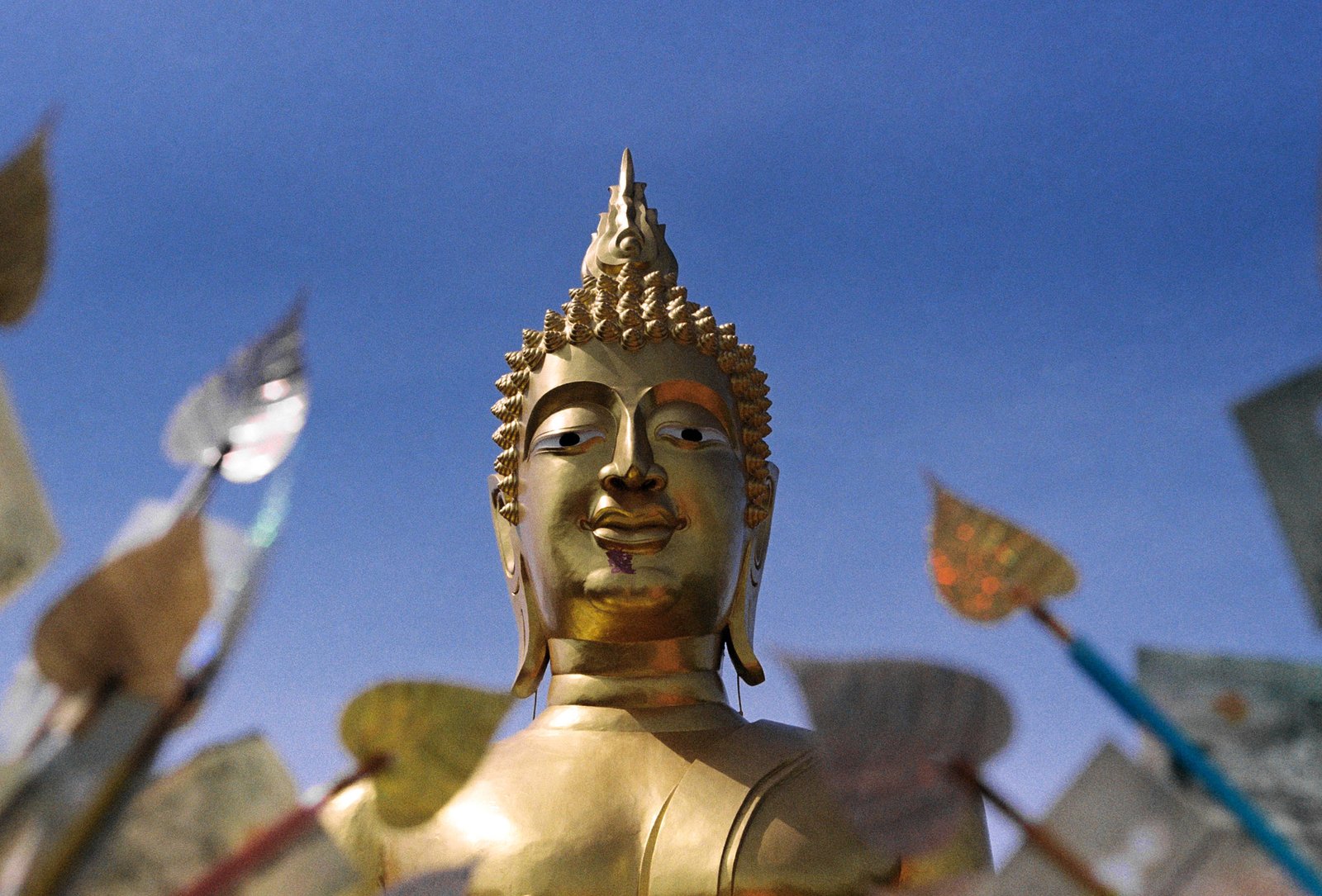
Scarface once said something like... believe in something, 'cause most of my homies believed in nothing. People always say Buddhism's more a way of life than a religion. Standing here, seeing it firsthand, that starts to make a lot more sense.
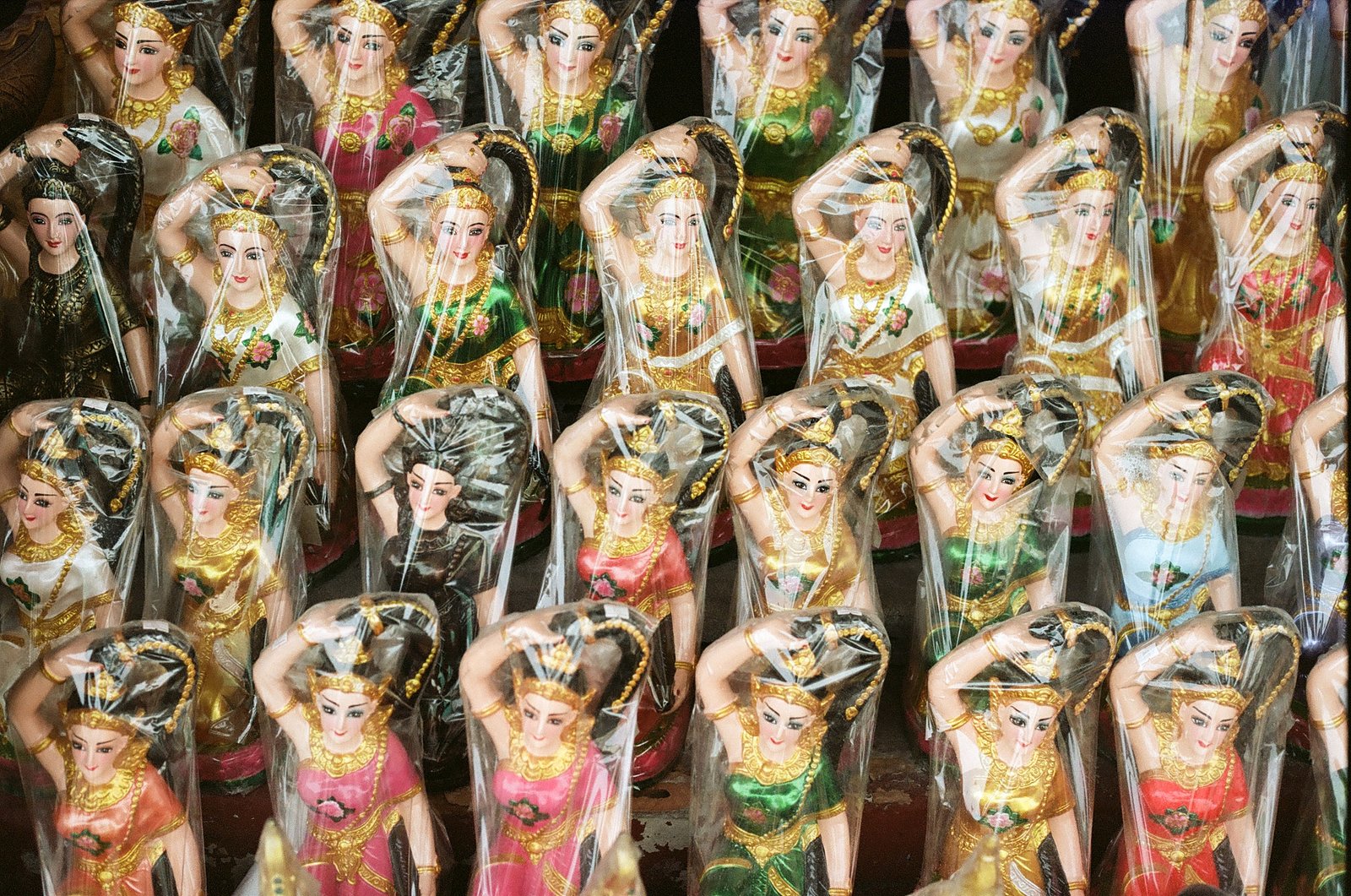
Shops out here sell everything, furniture, dolls like these, you name it. Thai music starts playing somewhere close by and it just hypnotizes you. I don't know what they're saying, but the way they dance... it's elegant.
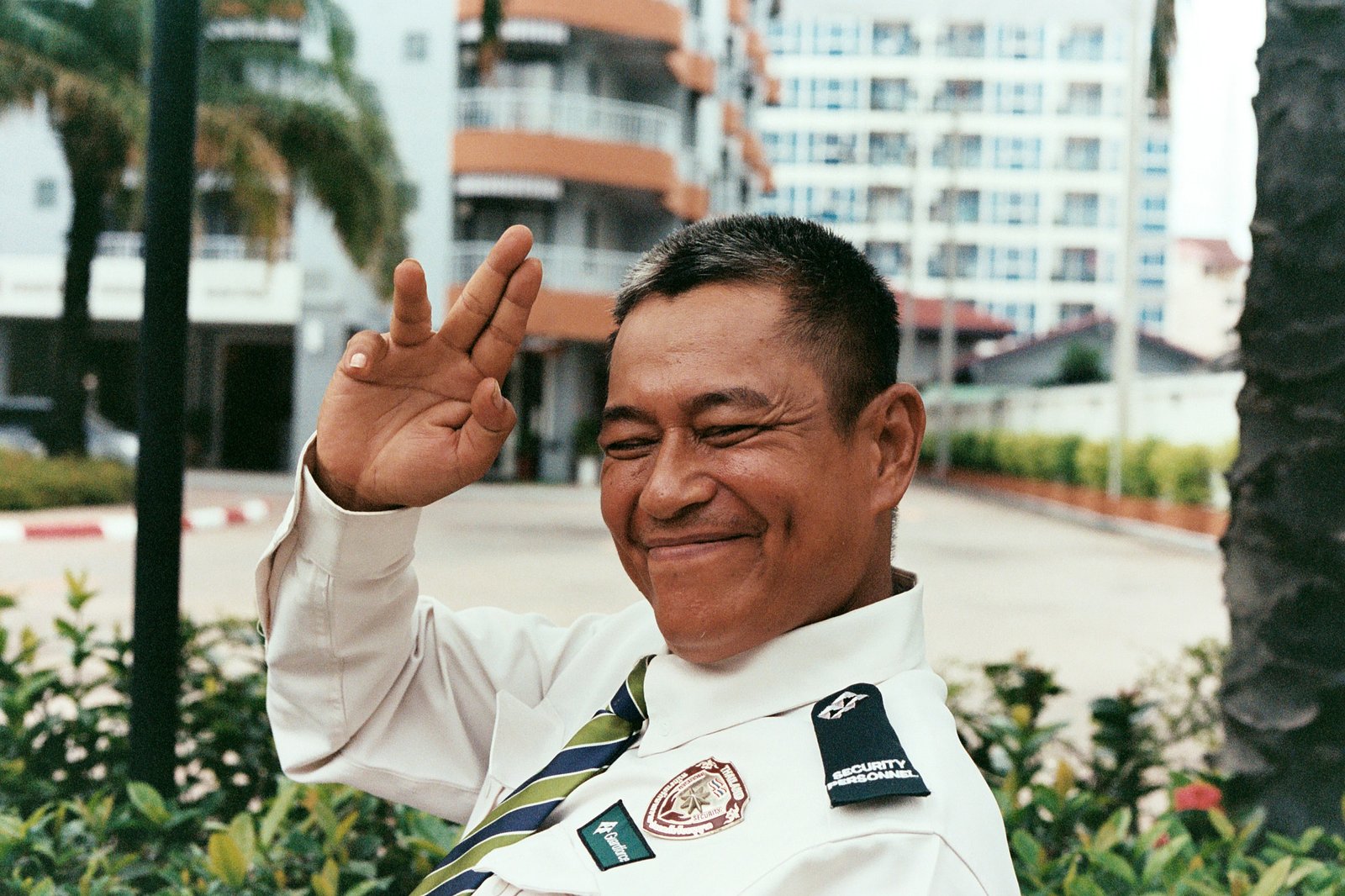
I'd just walk the streets most days. This one, me and the security guard crossed paths. Couldn't say a word to each other, but he happily understood the assignment..
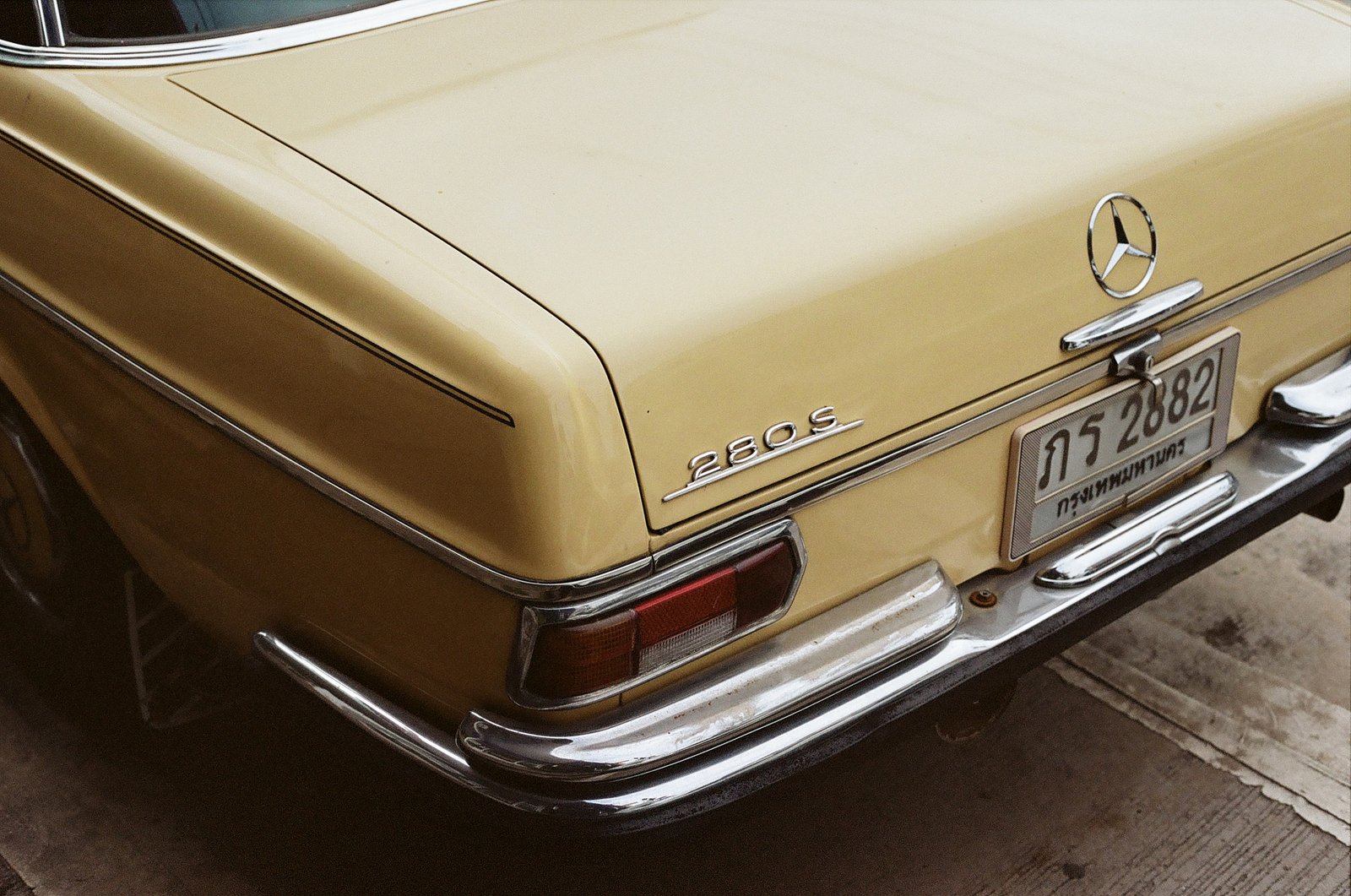
Chad Butler had a V12 parked outside. This person right here doesn't have that... just a clean 280S. The energy is the same though.
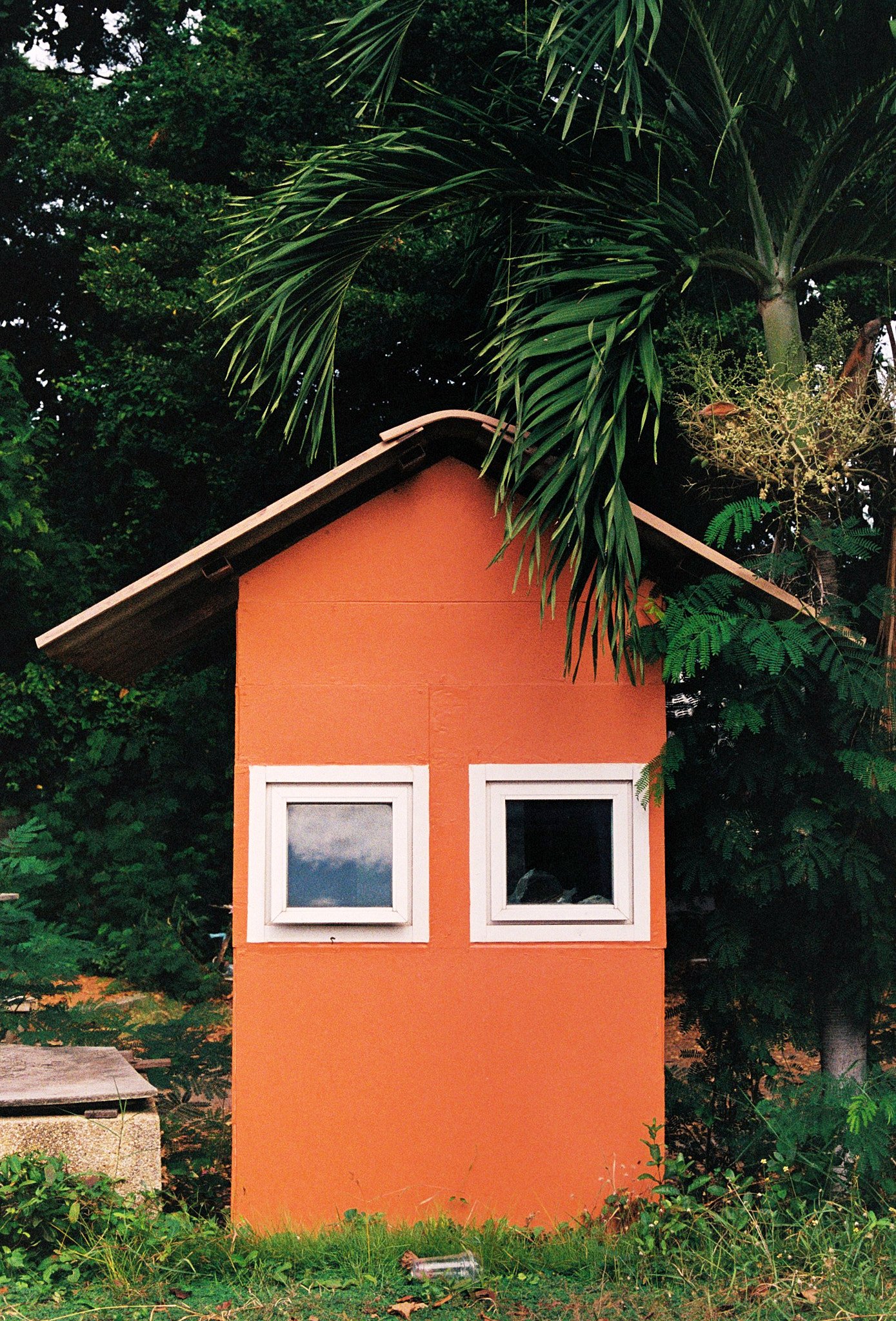
I take photos of whatever sticks out to me. These windows looked like eyes, and for some reason, felt like this building was staring right into my soul.
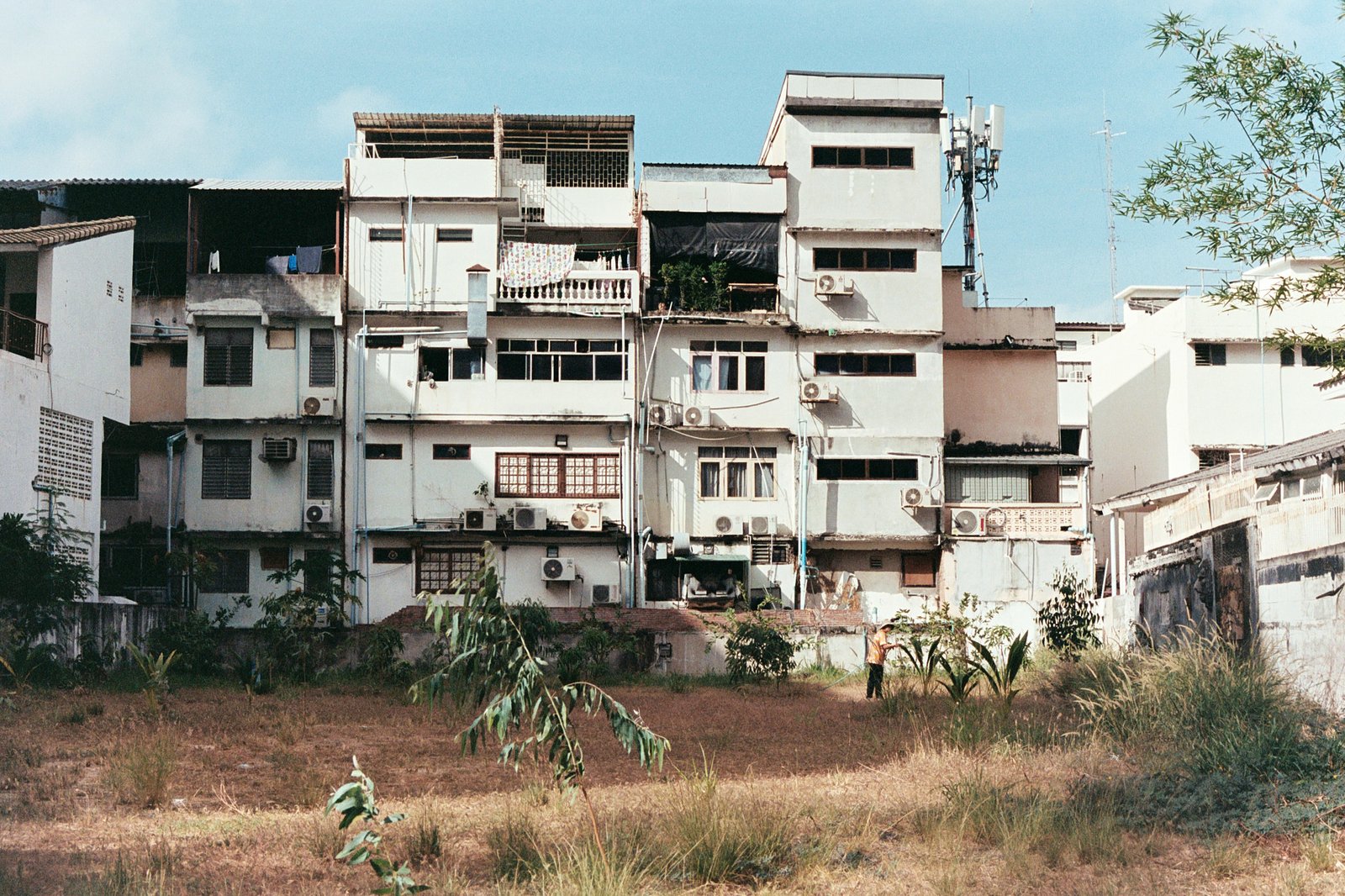
You see a lot of empty fields out here. What's empty today might be full of crops tomorrow. Things seem to grow overnight.
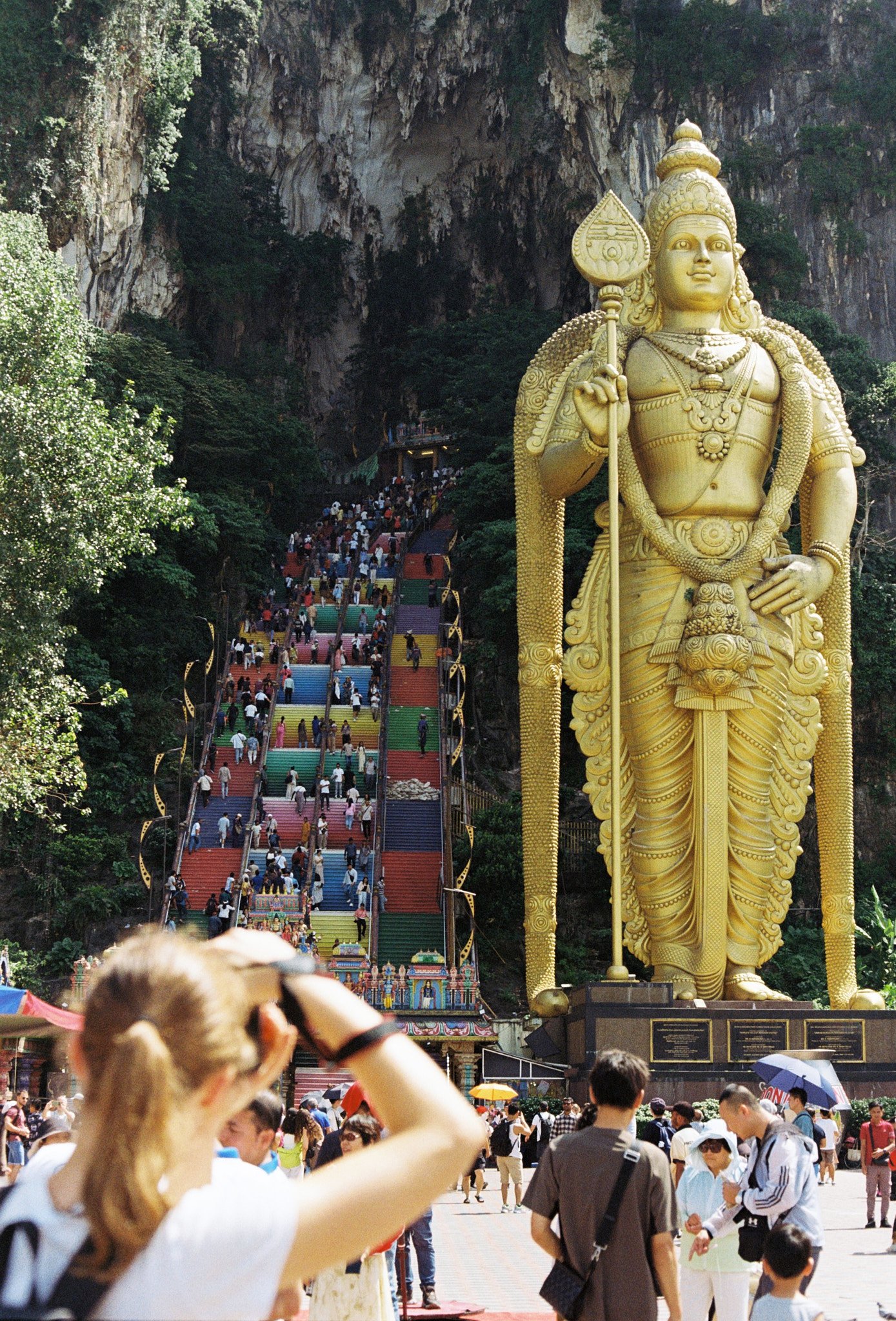
I remember getting a new TV as a kid, it had picture in picture. This is the real life version. She's taking a photo, and I'm taking a photo of her taking a photo. :)
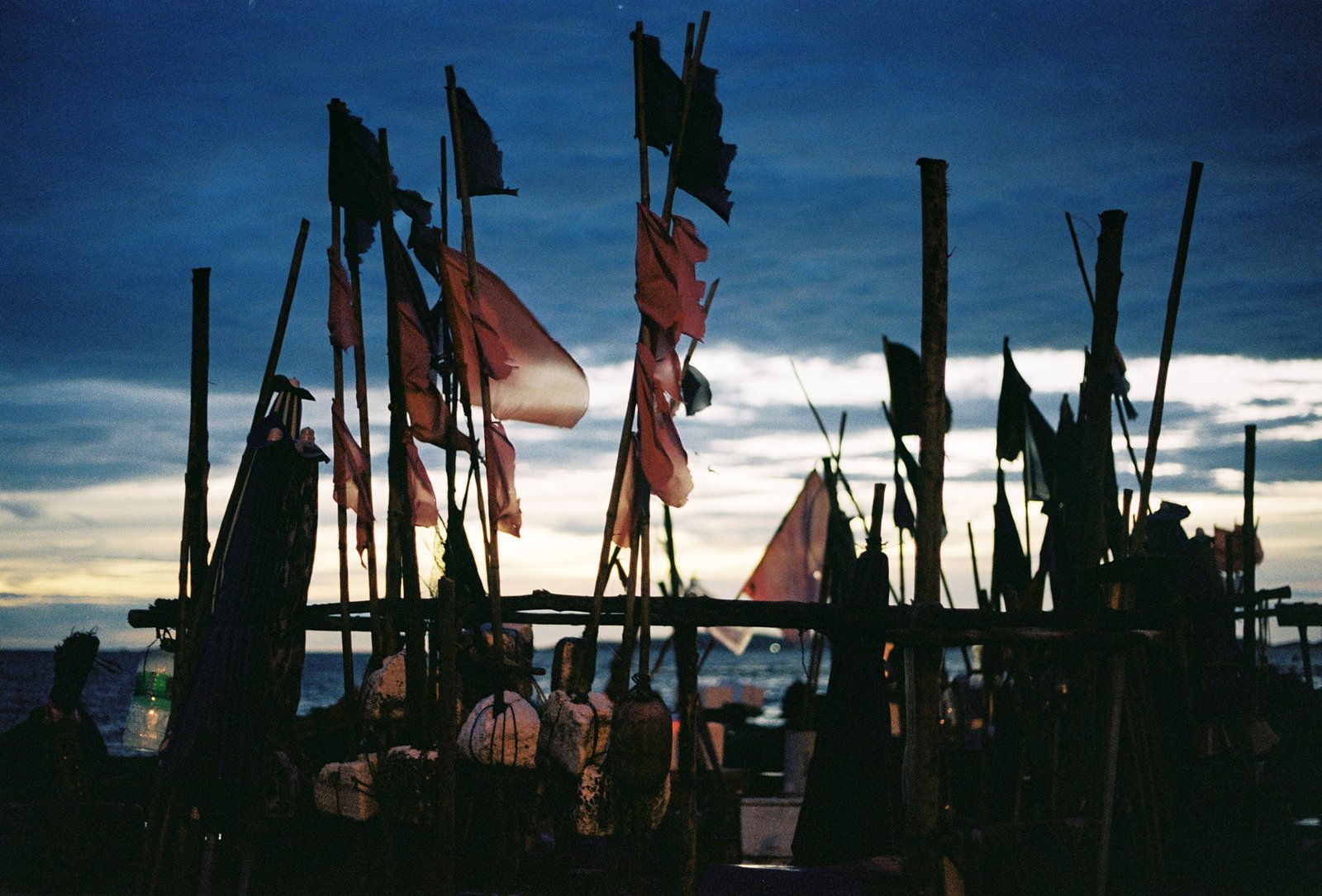
I started really noticing how beautiful the sky can be. All the different tones it picks up, that blue cast in the evening. Fish markets move fast early in the day. This is the stillness after.
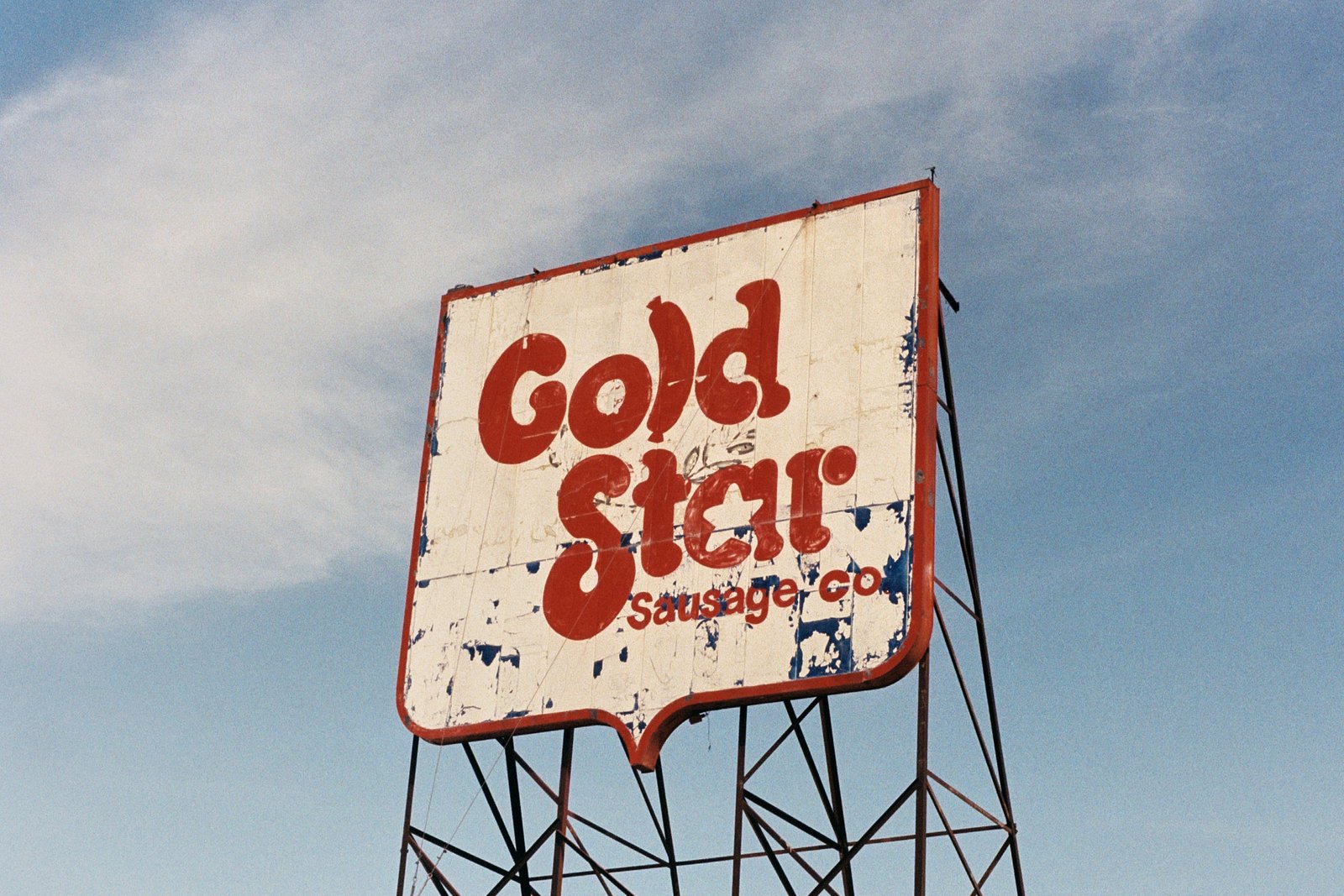
Vintage is having a moment right now. Out here, it never really went anywhere.
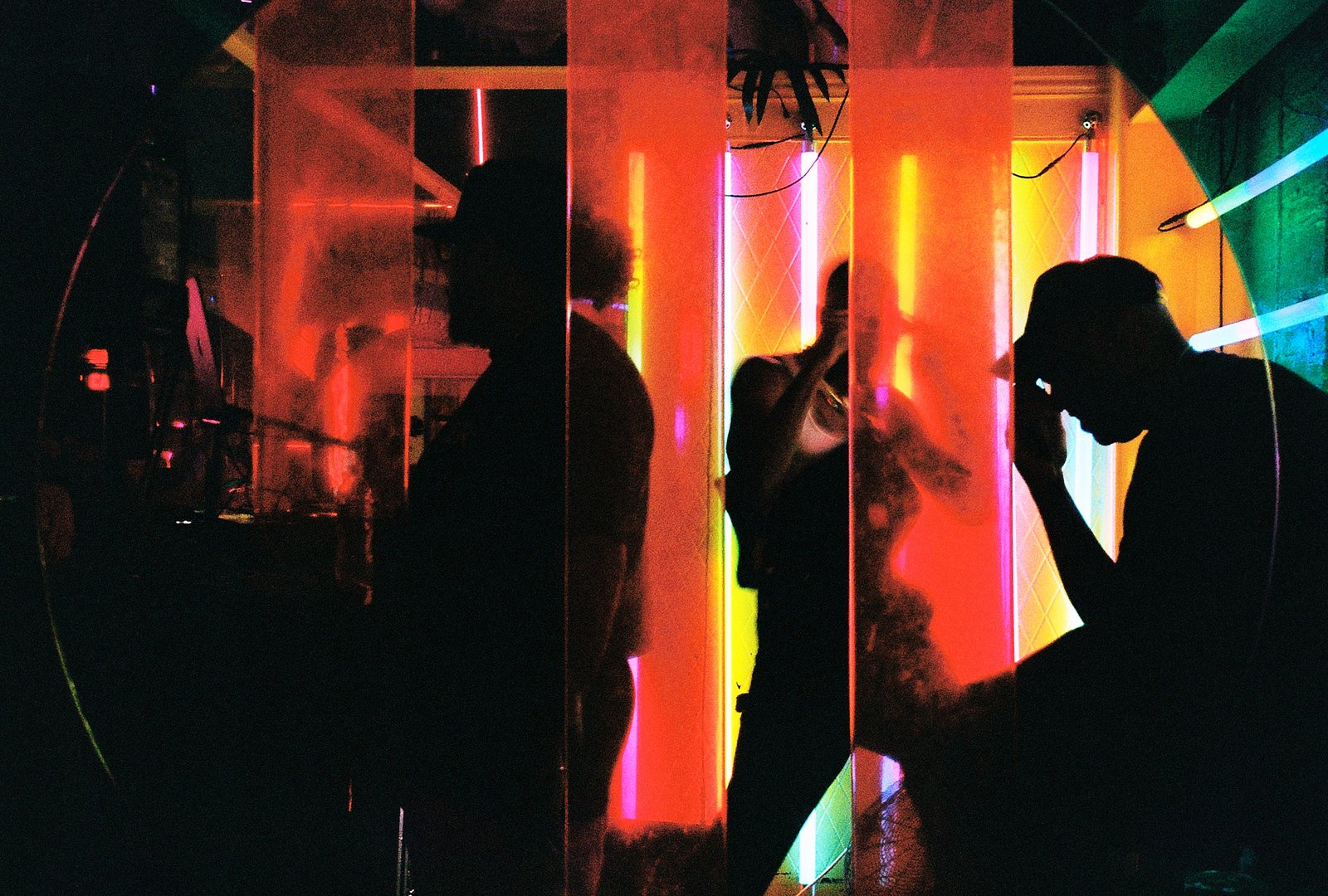
Sometimes I'm just the weird guy in the club with a camera, no real reason why. This scene reminded me of the opening of Belly, even though that one was mostly blue. Glad these neon colors stuck out instead.
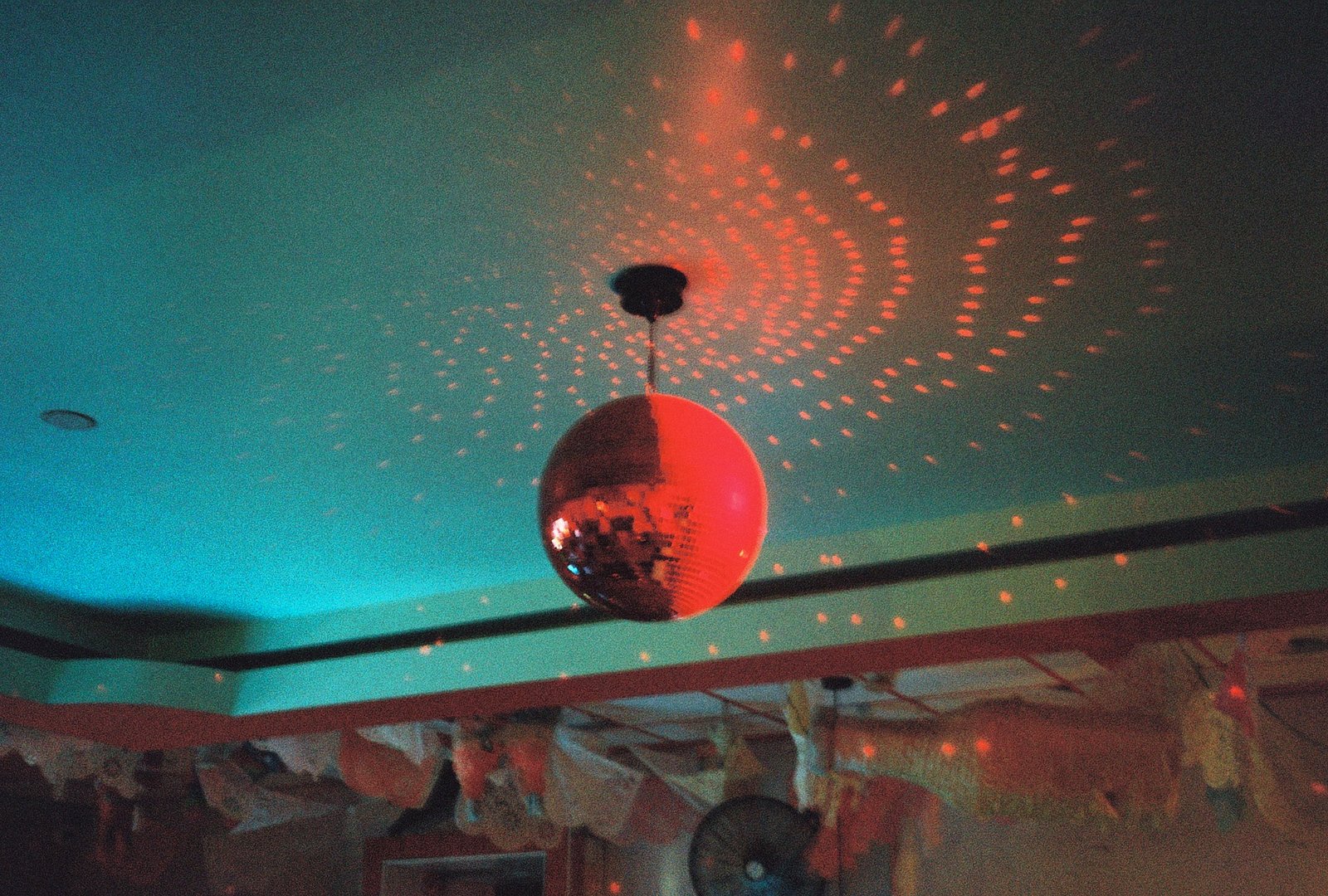
Not sure exactly where I was. Looked up, and the disco ball was B walking across the ceiling.
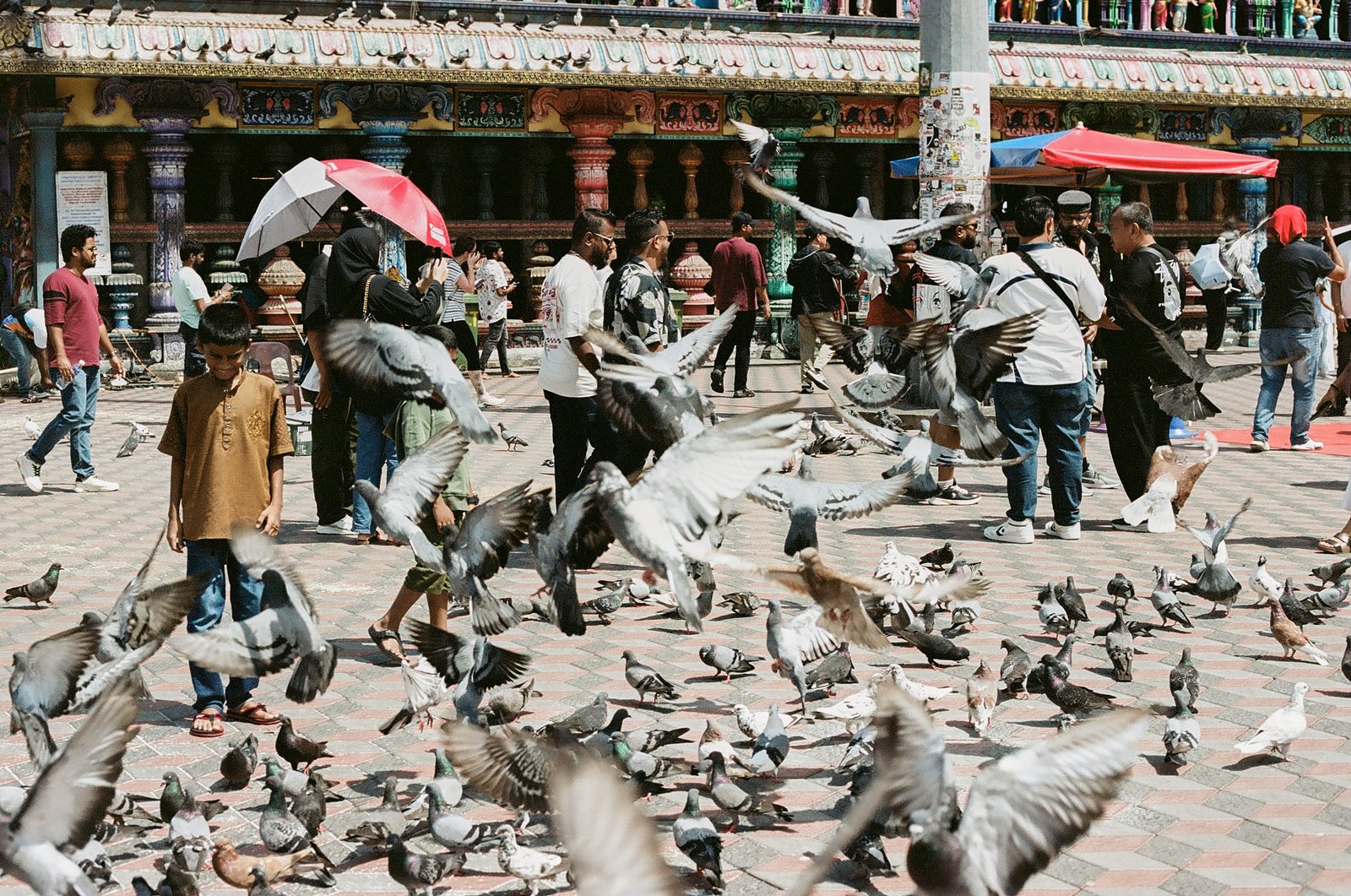
This one just came down to timing. Kid's out here playing with the birds while everyone else is trying to stay clear. He's enjoying the chaos.
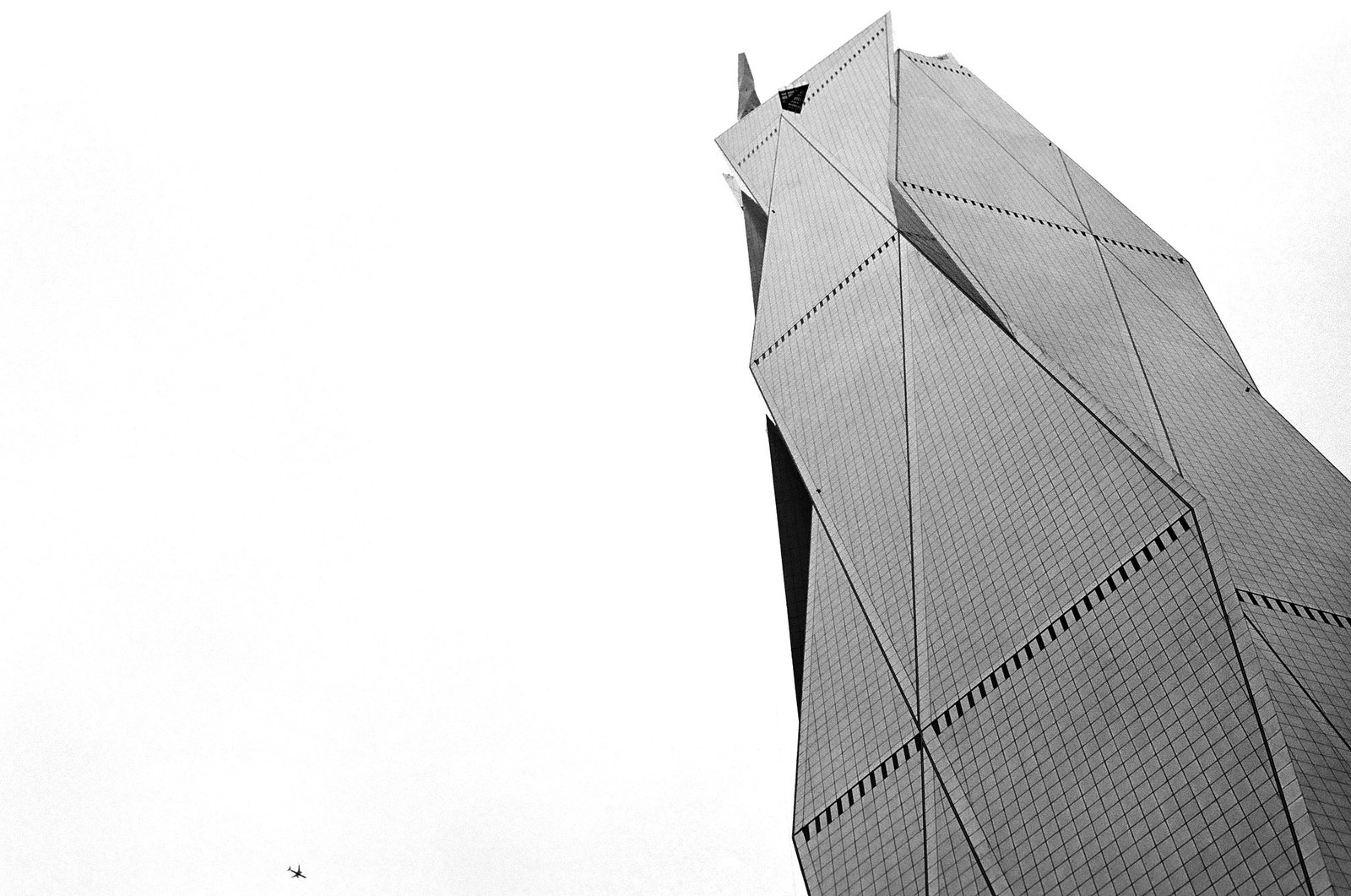
No matter where you are in KL, you can see this building. I was walking, looked up, and a plane passed right by it. Made me realize how small we really are.
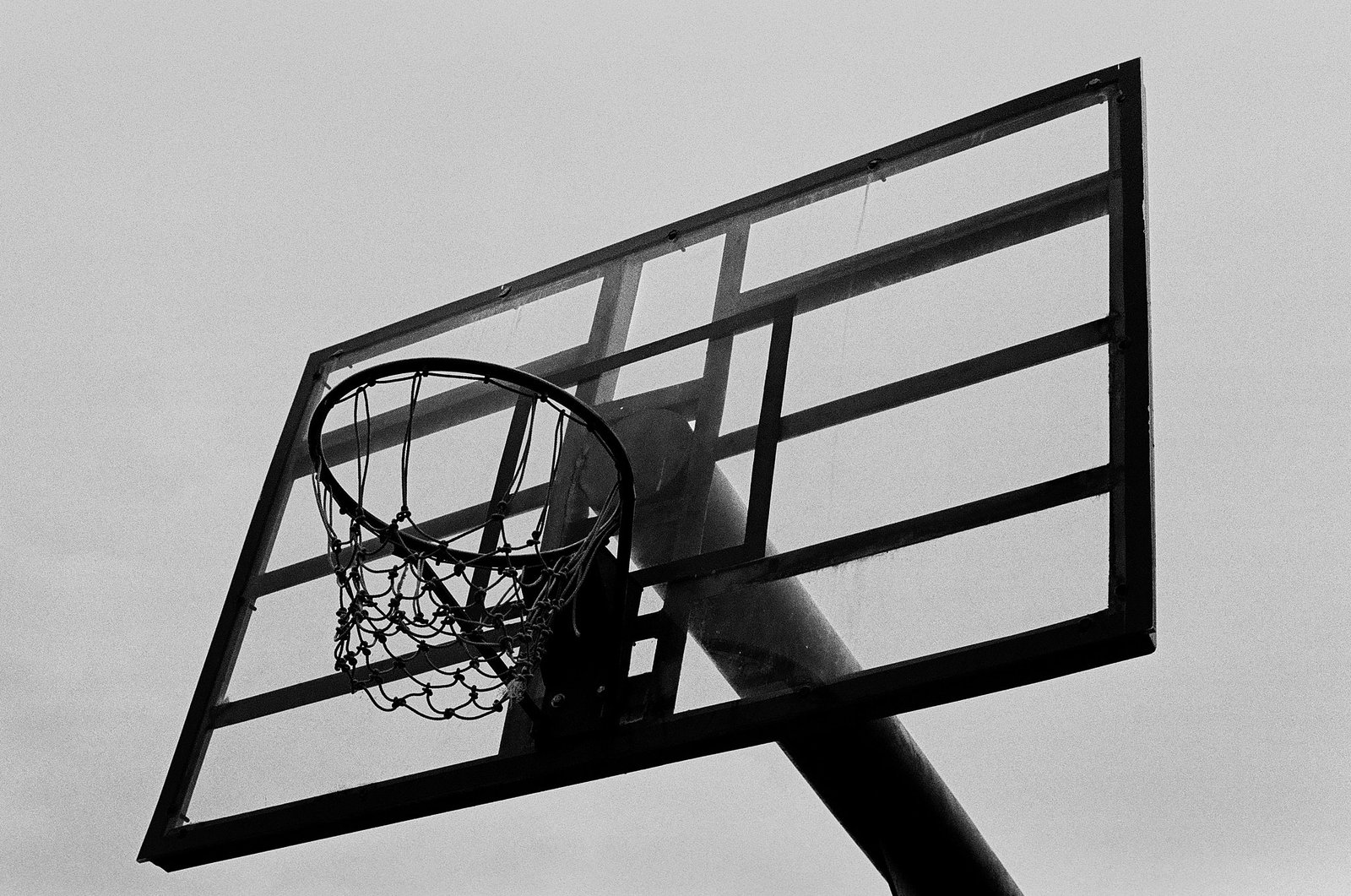
A lot of people's dreams start and die on courts like this. A skill, if you get good enough at it, can literally determine your net worth.
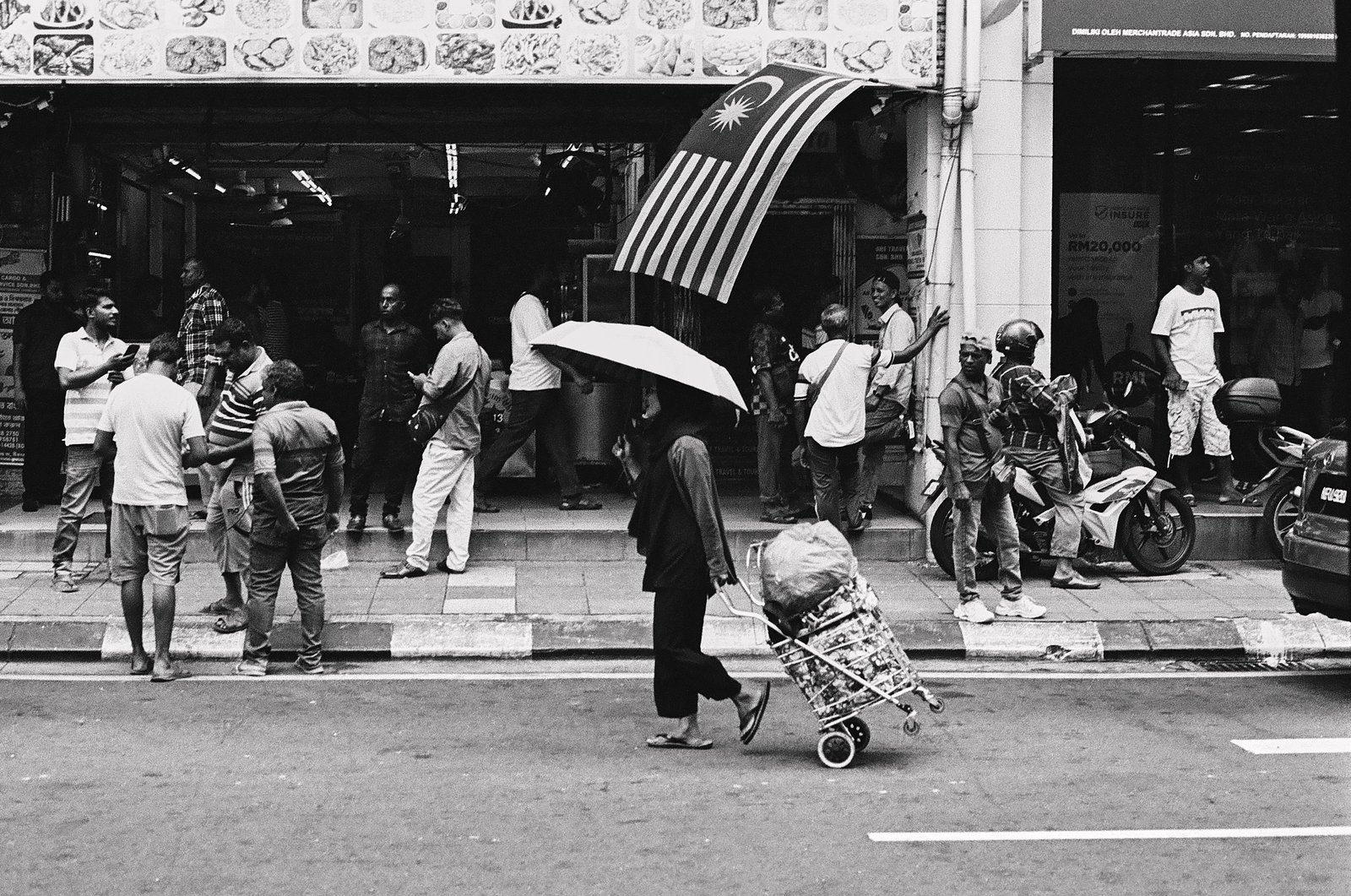
Chinatown's always busy, full of interesting characters. She's just moving through it, proud, headed somewhere only she knows.
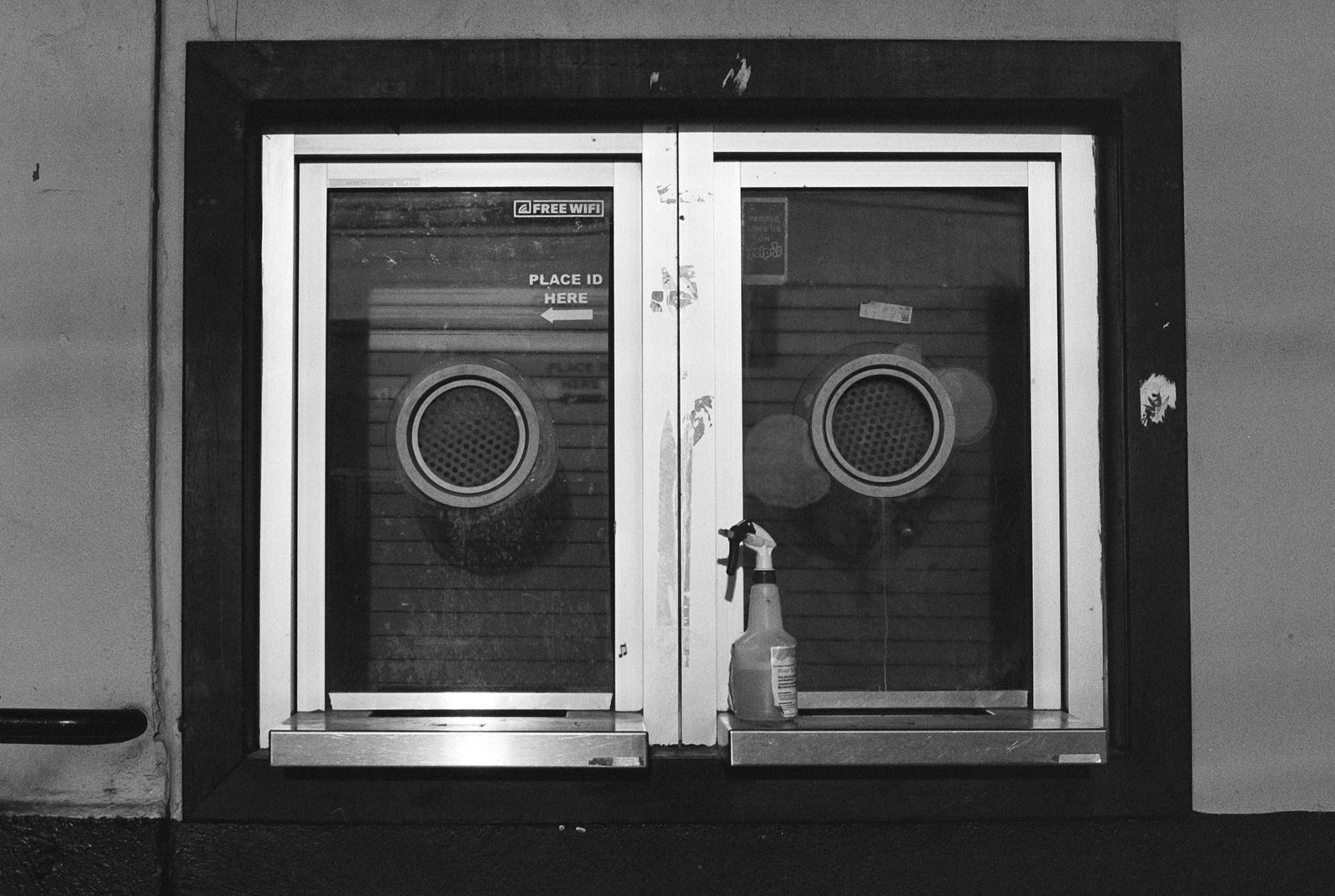
Places open and close. This one moved on, but so much history is still streaming out of one ticket booth.
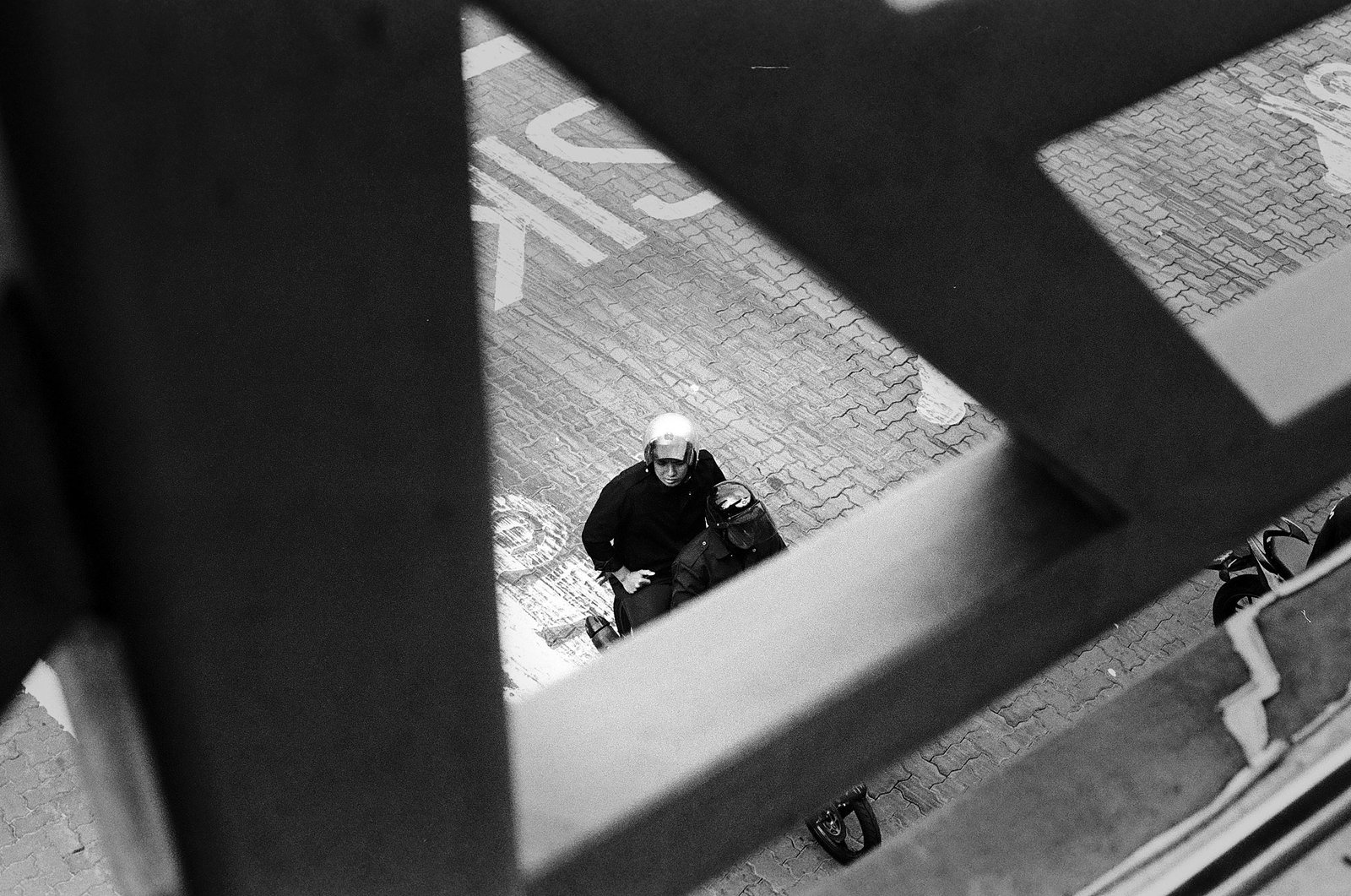
Traveling abroad you will quickly realize how the scooter is the main source of transporation. This is actually a very common site.